

Publishing Markdown documents with mix-and-match needs like live collaboration, secure sharing, and visual theming often means juggling several tools that lack one-click setup or force users to choose between real-time editing and custom presentation. Free options cut corners on document lifespan, branding, or multi-user controls, while many paid competitors hide team features or offline access behind broader workspace upgrades. This comparison covers instant publishing, account-free sharing, cloud sync, and export support so you can choose the Markdown document publisher that matches your technical workflow and review process without unnecessary bottlenecks.
Table of Contents
- Markbin
- Gist by GitHub
- HackMD
- Dillinger
- Typst
- Comparative Analysis of Markdown Document Publishing Tools
Markbin
At a Glance
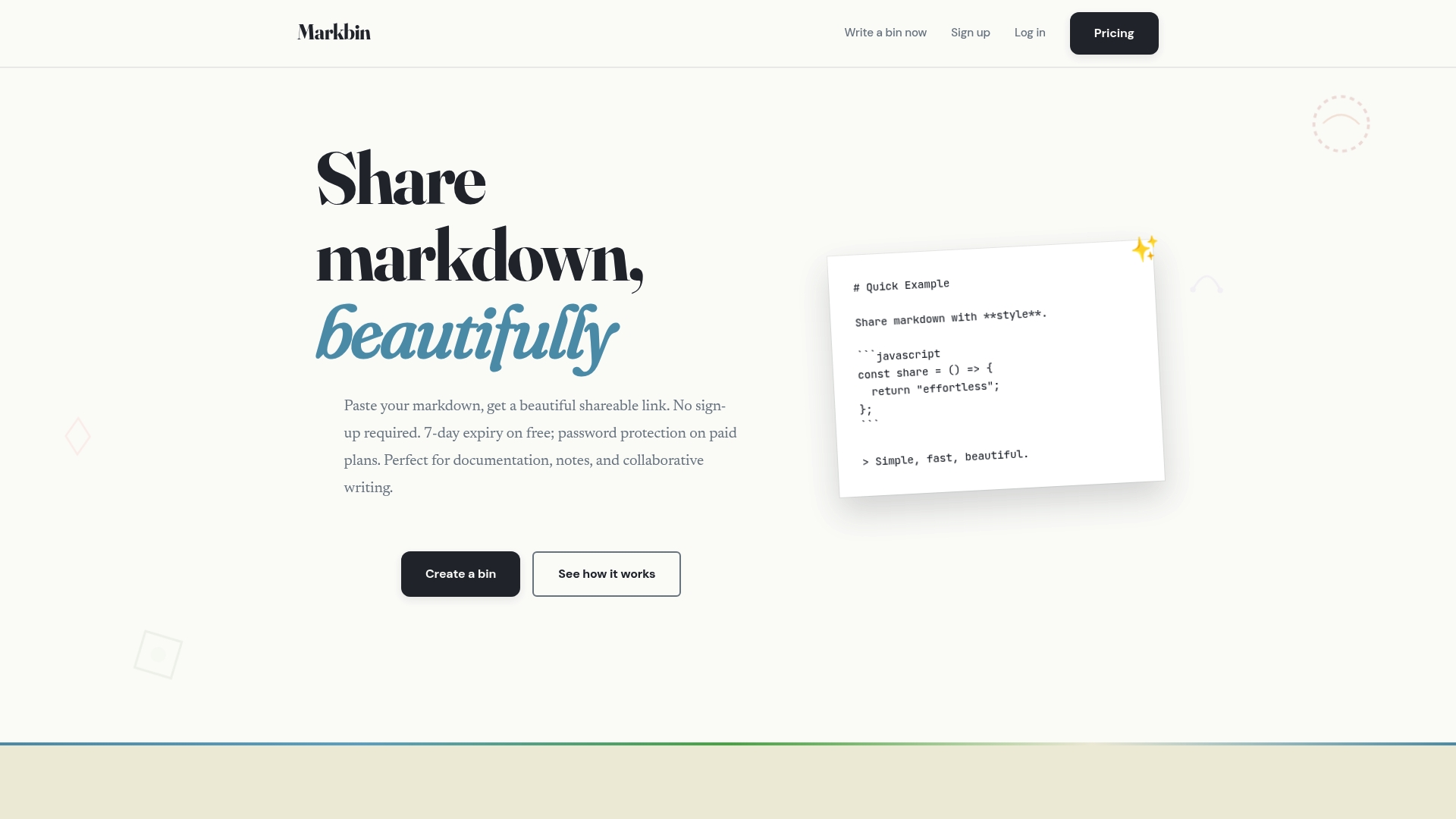
Paid plans let documents live for up to 10 years while free posts expire after 7 days, a practical split between ephemeral sharing and durable archives. You can paste Markdown, pick a visual theme, and get an instant shareable URL without creating an account.
Core Features
- GitHub Flavored Markdown support including tables, task lists, math, and syntax highlighting for code blocks.
- Multiple visual themes such as terminal, brutalist, newspaper, and pastel so documents match a portfolio or tutorial style.
- Instant shareable links without sign up plus optional password protection and self destruct timers for private distribution.
- Gist import and inline image attachments to render existing GitHub Gists and embed screenshots or diagrams directly in a document.
Key Differentiator
The clearest distinction is that Markbin delivers instant, themed Markdown pages and linkable content without forcing account creation. You get styled rendering and security controls on a single paste to link flow, which shortens the time between draft and distribution.
Pros
- No sign up required makes one off sharing friction free. You can post a snippet and paste the URL into chat within seconds.
- High quality rendering benefits technical posts. Syntax highlighting, tables, and math display correctly for documentation and tutorials.
- Security options let you lock or expire content without extra tooling. Password protection and self destruct timers handle temporary access and sensitive snippets.
- Theme variety helps presentation. Choosing a terminal or newspaper theme means a code sample or case study looks intentional when embedded in a portfolio.
- Gist import and image attachments reduce copy paste work. If your snippet lives in a GitHub Gist you render it with themes and keep code formatting intact.
Cons
- Documents on the free plan expire after 7 days, which limits use as a long term archive unless you upgrade.
Who It's For
Content creators, educators, developers, researchers, and designers who need fast, attractive ways to share Markdown with peers. It fits people who value presentation and occasional privacy controls more than full collaboration features.
Unique Value Proposition
A Lifetime plan that includes source code access and extended document lifespan changes how teams think about ownership and self hosting. For a small investment you can move from short lived public links to durable documents you control and audit.
Real World Use Case
A developer pastes a Gist, selects a terminal theme, attaches a small diagram, sets a password for reviewers, and drops the branded link in a design review chat. The team sees formatted code, images, and math without cloning a repo or signing up.
Website: https://markbin.net
Gist by GitHub
At a Glance
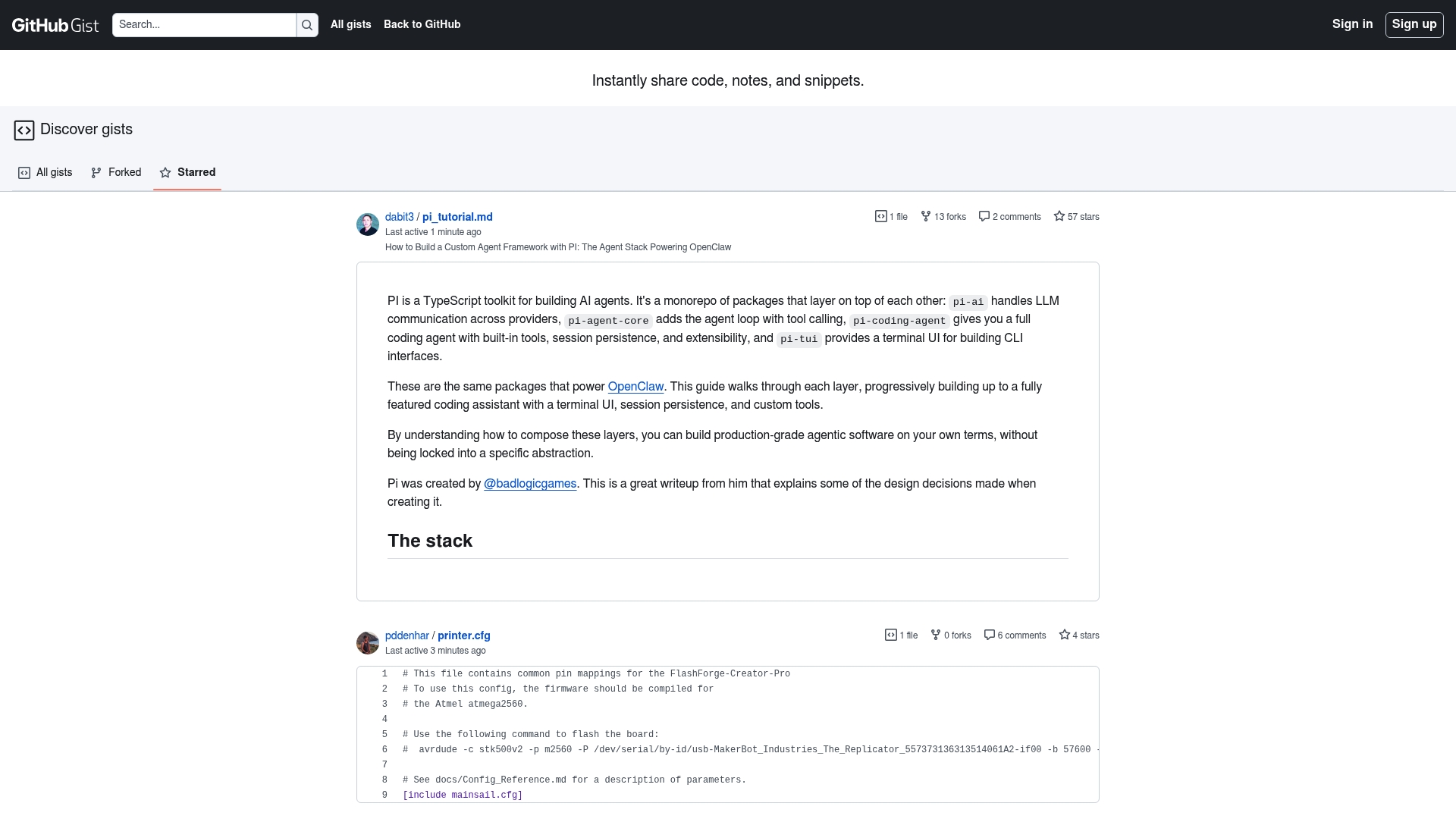
Every Gist includes built in version control so each snippet can be forked, revised, and tracked like a miniature repository. That behavior makes sharing a one off fix and tracking its changes as simple as pasting code and hitting save.
Core Features
Gists let you publish single files or multi file snippets with plain text, code, and notes. They support embedding in blogs and documentation and accept comments for lightweight discussion.
- Version control on every snippet so edits are preserved and forks create independent copies.
- Native ties to GitHub accounts and usernames for identity and access control.
- Collaborative editing and inline commenting for quick review and fixes.
The feature set favors fast publishing and straightforward referencing. Use it when you want minimal friction for sharing code examples.
Key Differentiator
Gist operates inside the GitHub ecosystem so a snippet behaves like a first class Git object tied to your account. That native connection means snippets inherit repository style history and forking behavior without extra configuration.
Pros
- Fast sharing for small examples. Drop a snippet, copy its URL, and collaborators can view or fork immediately.
- Editing history is preserved. The revision record gives a clear audit trail for changes to examples or notes.
- Easy embedding for documentation and blog posts. Embeds render highlighted code and keep provenance intact.
- Low overhead for contributors. No special setup or invites are required beyond a GitHub account.
Cons
- Embedding multiple Gists can increase page load times on long articles or tutorial pages.
- Display options are limited so appearance must conform to the default embed style rather than a custom theme.
- Not a project tracker. It lacks task lists, issue workflows, or assignment features for complex projects.
When It May Not Fit
If you need heavily styled embeds or branded code displays you will want a tool with richer customization. Teams that require integrated issue tracking, milestones, or task assignment will find Gist too lightweight for their workflow.
Who It's For
Developers, technical writers, and maintainers who want quick, versioned sharing of examples tied to their GitHub identity. It fits best when you need single file references, configuration snippets, or short notebooks that must carry a clear edit history.
Real World Use Case
A developer discovers a bug and pastes a minimal reproducible example into a Gist. The team forks it, tests a fix, and merges the working snippet back into documentation with the revision record intact. The embed in the repo README shows the final snippet.
Website: https://gist.github.com
HackMD
At a Glance
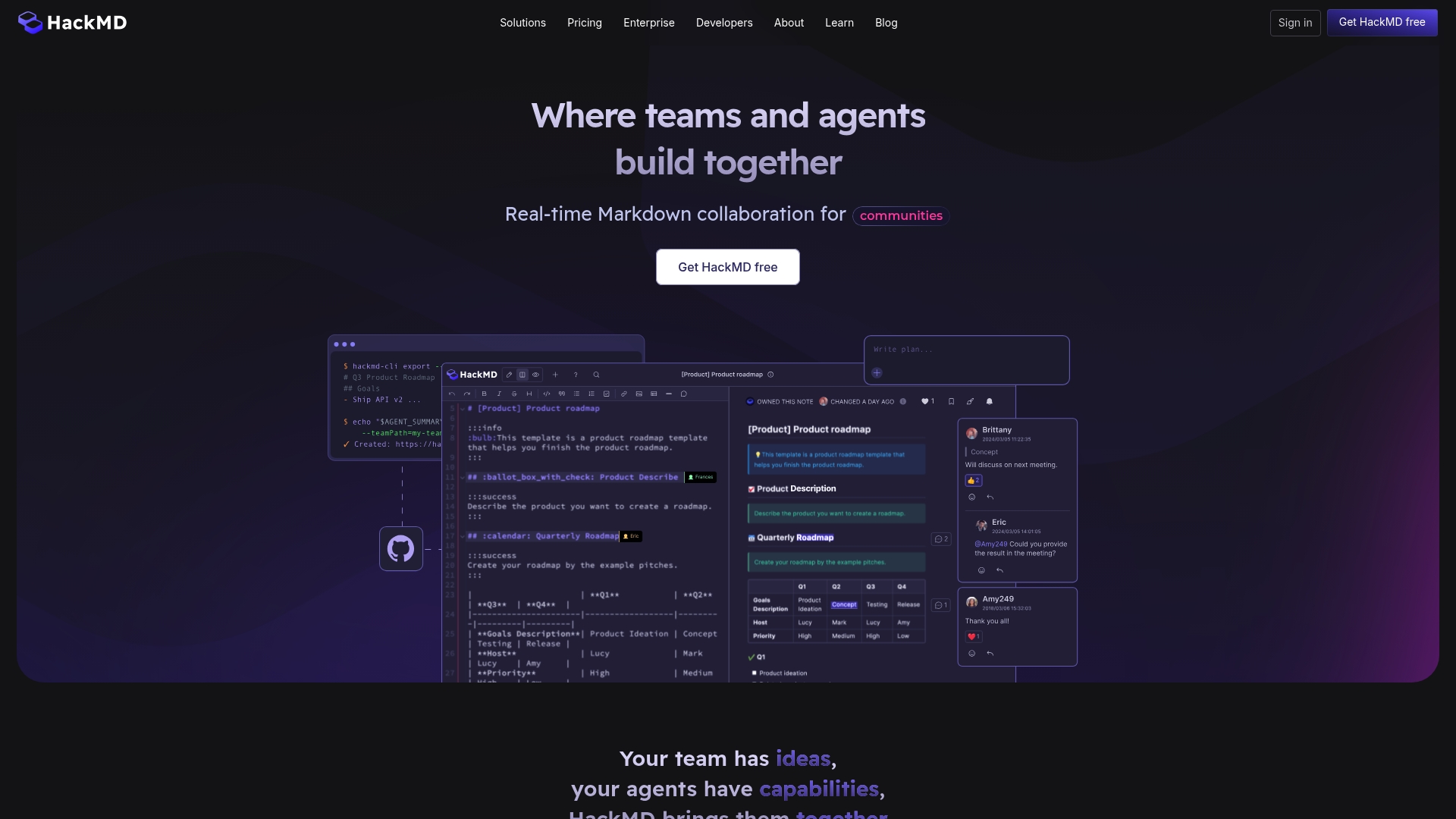
Live editing in HackMD supports multiple cursors and in-note slide mode, LaTeX, UML, and embeddable content within a single Markdown document. That combination makes it unusually efficient for technical notes that must be both readable and presentation ready.
Core Features
-
Real-time editing with multiple cursors, inline comments, and a visible version history that lets teams track who changed what and when.
-
GitHub integration for syncing notes with repositories, opening pull request workflows, and keeping code and documentation aligned.
-
API access for automation, context feeding, and programmatic note creation so documentation can be generated or updated from CI jobs.
-
Full Markdown support including LaTeX, UML diagrams, slide mode, and books for longform technical content and presentations.
Key Differentiator
HackMD pairs a Markdown-native editor with collaboration primitives and repository sync in one interface. Unlike Markbin, which emphasizes instant shareable rendering and lightweight document publishing, HackMD targets teams that need live coediting, repo workflows, and technical formatting inside the same note.
Pros
-
Strong live collaboration lets multiple contributors edit the same document without merge friction. That reduces copy-paste overhead for engineering teams.
-
Tight repo connection keeps documentation changes visible to developers. Linking notes to GitHub reduces drift between code and docs.
-
The editor handles technical content well. LaTeX, UML, and slide exports mean you can write math, diagrams, and presentations without leaving the same workspace.
-
Permission controls and version history help maintain human review and rollback options when edits go off course.
-
Community features such as public notes and embeddable documents make it easy to publish findings or host hackathon writeups for a wider audience.
Cons
-
Some users report data loss during account migrations or upgrades, which is a serious risk when moving large archives.
-
Customer support has been flagged as inconsistent, so teams that require fast SLA responses may find the support posture lacking.
-
Cloud notes raise security and privacy concerns for highly sensitive material; organizations handling classified or regulated data should treat cloud storage cautiously.
When It May Not Fit
If your organization requires ironclad migration guarantees or responsive enterprise support, HackMD may not meet those operational demands. Teams that must keep all notes on-premises or under strict compliance controls will likely need a different setup.
If your users prefer WYSIWYG editors and minimal Markdown learning, the Markdown-first workflow can slow adoption for nontechnical teams.
Notable Integrations
- GitHub is the primary integration, enabling sync between notes and repositories and allowing documentation to follow standard code review workflows.
Who It's For
HackMD suits technical teams, open-source communities, researchers, and educators who write in Markdown and need live collaboration plus repository alignment. Ideal for groups that value control over content and integration with developer workflows.
Real World Use Case
A software engineering team drafts API docs in HackMD, reviews changes together, and syncs approved pages back to GitHub. Developers see documentation changes alongside code reviews, and the same notes generate slides for sprint demos.
Website: https://hackmd.io
Dillinger
At a Glance
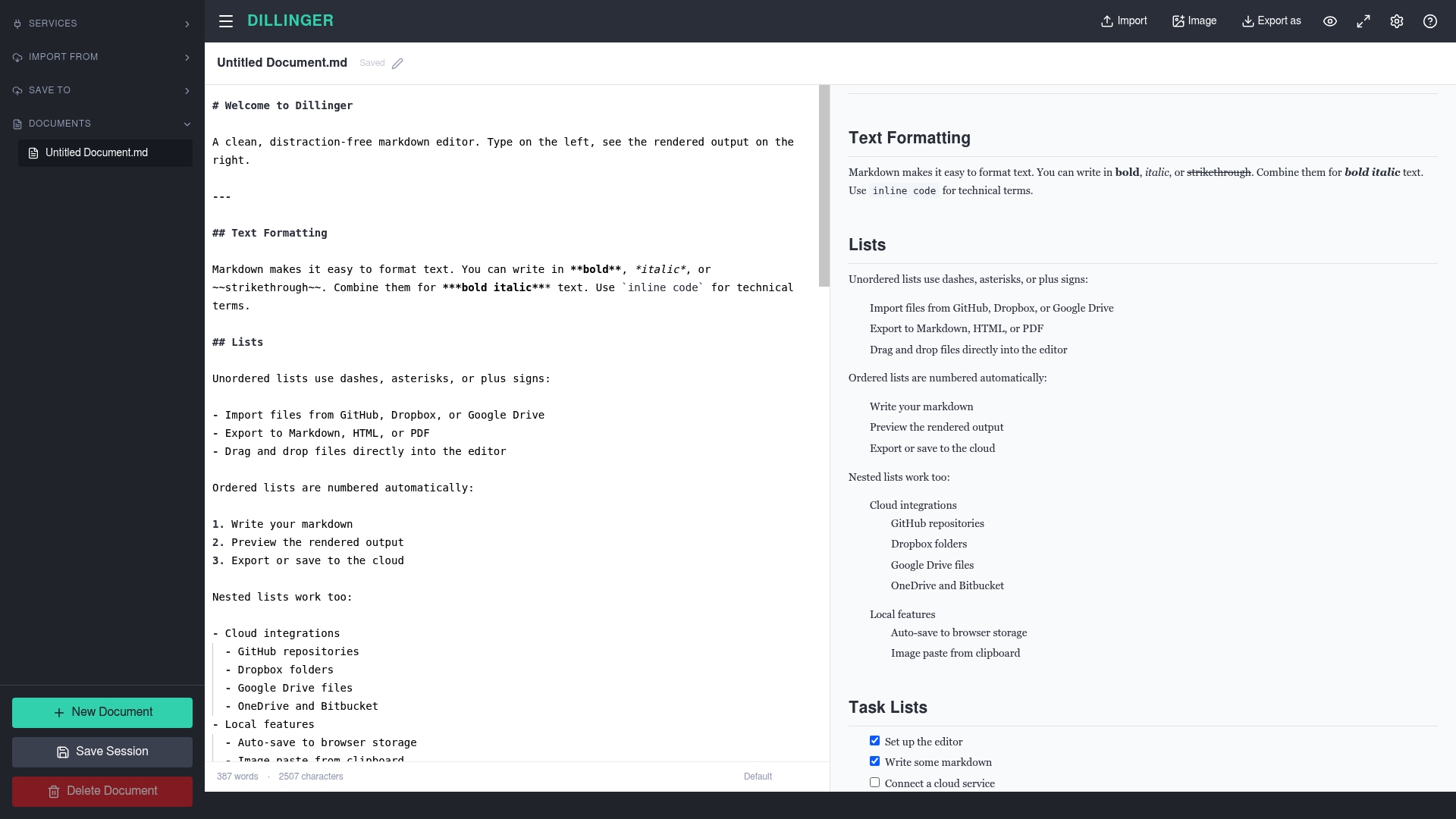
No signup required. Dillinger opens a browser-hosted Monaco editor immediately and offers live preview, local auto-save, and direct cloud connections to GitHub, Dropbox, Google Drive, OneDrive, and Bitbucket.
The interface is deliberately minimal. You land on a distraction-free editor in seconds and can start editing or importing files without account setup.
Core Features
Dillinger pairs a live markdown preview with synchronized scrolling so you see formatting updates as you type. The editor itself is the Monaco editor from VS Code, which brings familiar keyboard shortcuts and syntax highlighting.
Export options include Markdown, HTML, and PDF. The tool supports dark mode, a Zen writing mode, Vim and Emacs keybindings, and browser auto-save that preserves content after a reload.
Key Differentiator
The standout is the Monaco foundation. That gives you the same editing ergonomics developers expect from VS Code inside a browser tab. If you want a VS Code like typing and keybinding experience without installing software, Dillinger provides it instantly with cloud sync built in.
Pros
-
Instant access with no account required. You can edit or preview a README in under a minute, which is ideal for quick fixes.
-
Real-time rendering of Markdown makes visual verification fast. The preview mirrors complex elements like tables and code blocks accurately.
-
Multi cloud support for import and export. Connecting to GitHub or Google Drive lets you pull files, edit, and push changes back where you keep source documents.
-
Familiar editor behaviors from Monaco reduce the learning curve for developers. Shortcuts, selection tricks, and syntax highlighting feel native.
-
Works offline after the first load and saves to browser storage, so short edits survive flaky connections.
Cons
-
Feature set is intentionally lightweight. It lacks advanced desktop editor features such as plugin ecosystems, nested project views, or integrated terminals.
-
No real-time collaboration. Multiple authors cannot edit the same document together inside Dillinger, which limits team workflows.
-
Offline capability is limited to what the browser cache retains. Large editing sessions or extended offline work require a native editor for reliability.
-
There is no built-in WYSIWYG mode or native diagram support, so visual drafting tools must be handled elsewhere.
When It May Not Fit
If your workflow requires live multiuser editing, versioned team spaces, or heavy plugin customization, Dillinger will feel too small. It also falls short when you need embedded diagrams, task tracking, or offline-first guarantees for long writing sessions.
Choose a desktop editor or a collaboration platform for those needs.
Notable Integrations
Dillinger connects directly to common cloud drives. Supported services include GitHub, Dropbox, Google Drive, OneDrive, and Bitbucket. That list covers the typical places developers and technical writers store README and documentation files.
Who It's For
Solo developers, technical writers, and AI practitioners who want a zero-fuss editor in the browser. It fits people who need to make fast edits, preview Markdown immediately, and push changes back to a cloud repo without installing software.
Real World Use Case
A developer opens Dillinger to tweak a README.md hosted on GitHub. They import the file, make visual edits while watching the live preview, export a clean HTML snapshot for a docs site, and push the updated Markdown back to the repository.
Website: https://dillinger.io
Typst
At a Glance
According to the vendor, Zerodha uses Typst's open-source compiler to generate 1.5 million PDFs nightly, a strong signal about the tool's throughput and automation focus. That deployment highlights Typst's suitability for high-volume, scripted document production.
Typst pairs markup-based writing with instant compilation in a web app and CLI, aiming to replace traditional typesetting workflows with faster iteration and programmable styling.
Core Features
- Markup-based authoring with automatic formatting that reduces manual styling work.
- Built-in math, tables, bibliography, and visualization primitives for technical documents.
- Real-time preview and instant compilation in both the web app and CLI tool.
- Rich automation and scripting capabilities for templates and batch generation.
- Support for reports, theses, slides, and web pages from a single source.
Key Differentiator
The standout is the combination of markup-based authoring and first-class scripting inside an open-source ecosystem. Typst lets you write once and produce multiple outputs while applying programmable styling rules, which shortens the loop between source edits and final layout.
Pros
-
Fast compile times make long technical documents less painful to edit. You see layout changes almost immediately after edits.
-
Programmable styling lets teams encode institutional templates so authors no longer tweak margins or fonts by hand.
-
The open-source core and community packages reduce lock-in and let engineers inspect or extend the compiler when needed.
-
Broad content support covers math, visualizations, bibliography, and slides, so one tool can replace several export pipelines.
Cons
-
Steep learning curve for users who are new to markup or scripting; advanced templates require code fluency.
-
Documentation and ecosystem are still maturing relative to LaTeX and long-established WYSIWYG tools.
-
Certain complex layout needs may need manual workarounds rather than an out-of-the-box option.
When It May Not Fit
If your team relies on WYSIWYG editors with drag-and-drop layout, Typst's markup approach will slow adoption. If you need decades of community packages and niche macros that LaTeX already provides, Typst's younger ecosystem may not cover every edge case.
If your workflow cannot tolerate a scripting step for document generation, choose a different tool.
Who It's For
Researchers, academics, technical writers, and engineering teams that value reproducible, scriptable documents. Typst fits groups that can invest time learning markup to gain repeatable templates and automated output.
Real World Use Case
An engineering team moved nightly report generation into Typst templates and a small wrapper script. That pipeline produces consistent PDFs from raw data without manual layout, and the Zerodha deployment above illustrates the approach at scale.
Pricing
Typst is free at the core. A Pro plan is listed at $7.99/month, with enterprise options available for larger deployments and support.
Website: https://typst.app
Comparative Analysis of Markdown Document Publishing Tools
Markdown document publishing requires tools tailored to unique user workflows, focusing on features such as ease of sharing, customization, and collaboration.
Accessibility and Ease of Use
Markbin.net excels in providing instant shareable links without requiring account creation, enabling frictionless distribution of styled Markdown documents. This is complemented by its theme variety, which enhances document presentation for scenarios such as portfolio embedding. Conversely, while Dillinger also foregoes the need for sign-up, it emphasizes developer-friendly ergonomics using the Monaco editor rather than deep customization like themes.
Collaboration Capabilities
When considering live collaboration, HackMD surpasses other tools with features like real-time multi-user editing, inline comments, and repository synchronization. These capabilities facilitate concurrent teamwork on documents, catering to technical teams and open-source communities. Tools such as Gist enable collaboration indirectly via forking and version control but lack the direct co-editing features HackMD offers. Markbin.net focuses on single-author workflows with security enhancements rather than team collaboration.
Best Fit Profiles
- For users seeking frictionless styled Markdown sharing without account dependence: Markbin.net.
- For teams needing live collaboration and version tracking integrated with repositories: HackMD.
- For developers familiar with VS Code seeking a lightweight, browser-hosted editor: Dillinger.
- For high-volume scripted document generation with programmable templates: Typst.
Our Pick
Markbin.net stands out for those pursuing rapid sharing of attractively themed Markdown documents, particularly developers and educators balancing presentation with ease of access. However, if collaboration or repository integration is critical, HackMD offers live-editing features. Choosing the right tool depends heavily on whether instant document distribution or collaborative workflows dominate the requirement.
Markdown Document Publishing Platforms Comparison
Assess the features and functionalities of top markdown document publishing platforms to find the best fit for your needs.
| Product | Key Differentiator | Best For | Pricing | Notable Limitation |
|---|---|---|---|---|
| Markbin | Themed Markdown rendering without account creation | Content creators and educators | Not disclosed | Free documents expire after 7 days |
| Gist by GitHub | Version control and native GitHub integration | Developers requiring history | Not disclosed | Limited display customization |
| HackMD | Real-time editing and GitHub sync integration | Teams needing live collaboration | Not disclosed | Potential data loss during migrations |
| Dillinger | Browser-based Monaco editor with cloud connection | Developers preferring simplicity | Not disclosed | Feature set lacks real-time collaboration |
| Typst | Programmable styling with instant compilation | Technical writers and engineers | $7.99/month | Steep learning curve for advanced templates |
Discover a Smarter Way to Share Markdown Documents with Markbin
If you are exploring marke.st alternatives, the challenge often lies in balancing quick sharing with professional presentation and security. Markbin offers a solution that lets you create beautifully rendered markdown documents without any sign-up. Whether you need syntax highlighting, embedded math, or password protection, Markbin handles it all with ease.
Why wait to share markdown content the right way? With Markbin, you can instantly convert your plain markdown text into secure, stylish links that suit technical documentation, tutorials, or collaboration. Take control by protecting your work and setting expiration timers. Try it now and experience hassle-free markdown publishing designed just for you.
Frequently Asked Questions
How does Markbin compare for long-term document hosting?
Markbin allows paid plans to keep documents for up to 10 years, while free posts expiry is after just 7 days. This offers a practical option for both temporary sharing and durable archives without the hassles of account creation. Opt for Markbin if you need reliable long-term storage for coding documents or tutorials.
What is the difference between Markbin and Gist by GitHub?
Gist by GitHub excels in version control, allowing edits to be tracked and snippets to be forked effortlessly. Markbin, on the other hand, emphasizes instant shareable links and themed Markdown pages without requiring an account, making it ideal for one-off sharing. Choose Markbin for quick and stylish document sharing without setup.
Can I use Markbin for sensitive information sharing?
Yes, Markbin provides optional password protection and self-destruct timers for private document distribution. This means that you can share sensitive snippets securely while utilizing its high-quality rendering features. Just be aware that while Markbin has privacy options, it's mainly optimized for temporary access.
Which platform is best for real-time collaboration?
HackMD offers strong live collaboration features with multiple authors editing documents simultaneously. In contrast, Markbin is tailored for quick, standalone document sharing and does not support concurrent editing. If real-time teamwork is essential, HackMD is the better option.
How does Markbin handle Markdown formatting?
Markbin supports GitHub Flavored Markdown, which includes tables, task lists, and syntax highlighting, ensuring technical content is well-presented. This makes it a great choice for developers looking to share well-structured documentation quickly. Expect high-quality representations of your Markdown without the need for additional editing tools.