

Sharing polished markdown documents with technical formatting quickly, without privacy trade-offs or heavy setup, remains more complicated than it should be. Most platforms require account creation, limit markdown features, or make privacy controls and advanced exporting difficult to access for small teams. This comparison covers markdown sharing tools with instant publishing, advanced formatting, and privacy options so developers and technical writers can pick the right fit without unnecessary friction.
Table of Contents
Markbin
At a Glance
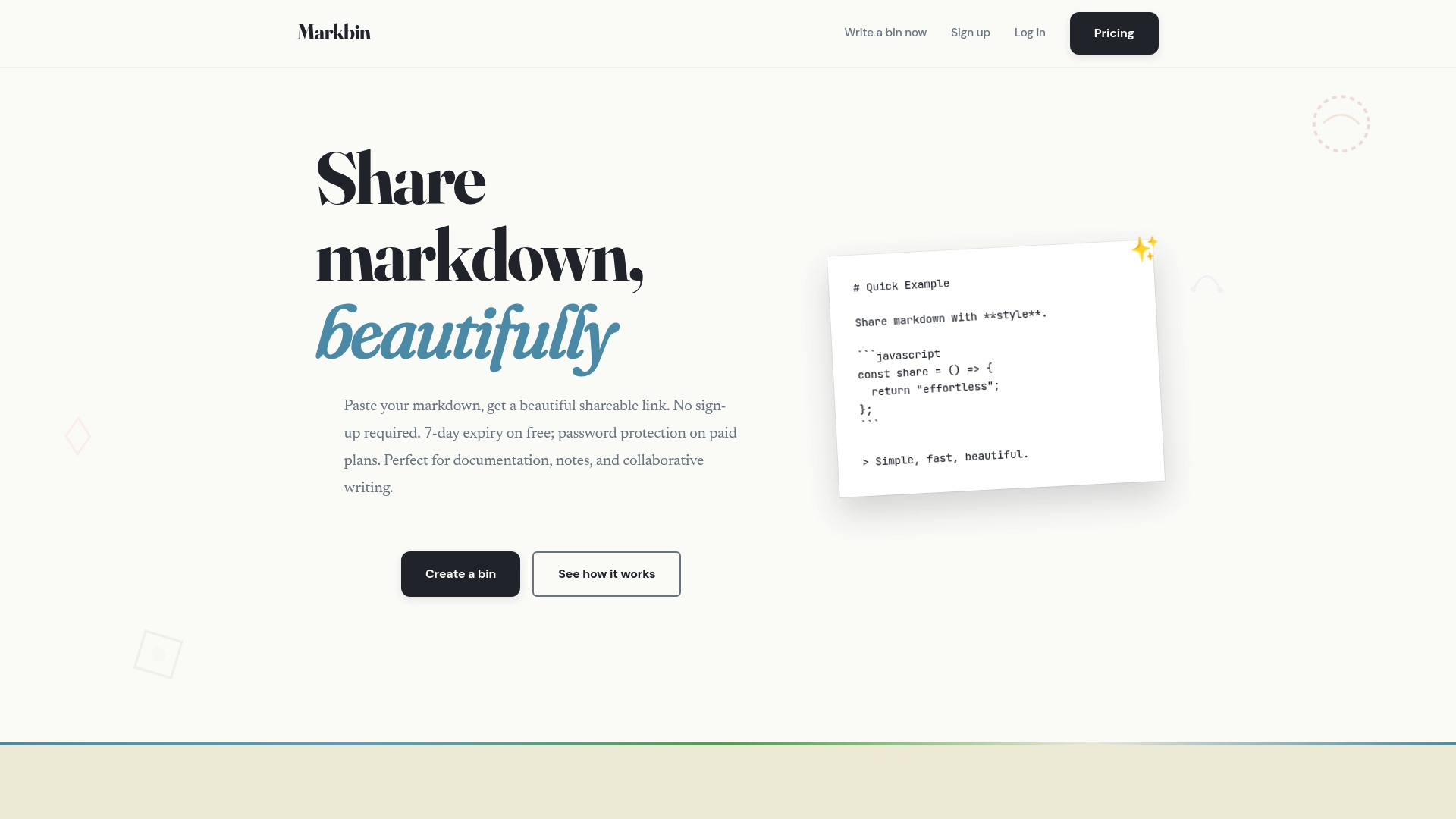
Markbin renders full GitHub Flavored Markdown into themed, shareable pages without requiring sign-up. It supports syntax highlighting, tables, task lists, and math, and offers nine themes including terminal, brutalist, newspaper, retro, and pastel. The platform also provides optional password protection and self-destructing links for short-lived sharing.
Core Features
Markbin converts plain markdown into polished pages and generates an instant URL that you can send to members, clients, or class groups. It accepts GitHub Gists and preserves code formatting with syntax highlighting and math rendering. Themes and typography change presentation without altering source markdown, and optional password and burn timers control access.
Key Differentiator
Markbin removes account friction for one-off or temporary document sharing while keeping advanced markdown features intact. That combo fits situations where a member or reader needs a nicely styled read-only page fast and secure. The instant URL plus themed rendering makes presentation and distribution simpler than attaching raw files or pasting into chat.
Pros
Markbin is fast to use because you do not need an account to create and share content. The theme set gives documents a polished look for documentation, tutorials, or teaching notes without manual CSS work. Full GitHub Flavored Markdown support means code blocks, tables, task lists, and math render correctly for technical audiences. Optional password protection and burn timers let you restrict access when sharing sensitive notes or demo code with external collaborators.
Cons
- Limited to sharing rendered markdown rather than hosting collaborative editing. Markbin focuses on presentation and short-lived sharing rather than threaded discussion or real-time document collaboration.
Who It's For
Developers, educators, technical writers, and content creators who need quick, attractive markdown shares will get value from Markbin. Members of small teams or class groups who exchange code snippets, worked examples, or lecture notes will find the instant URL workflow convenient. It also suits people who need temporary, secure links for sensitive content.
Unique Value Proposition
Instant URL generation without account setup reduces friction for one-off shares between members or clients. That removes the overhead of creating repositories, setting permissions, or exporting PDFs for a single document. When you need to deliver a styled, read-only page with optional expiry or password control, Markbin shortens the path from draft to accessible page.
Real World Use Case
A developer composes a README-style snippet with code samples and math formulas, imports a GitHub Gist, and selects the terminal theme for presentation. They add a password and a burn timer, then send the URL to a contractor for review. The contractor opens a view-ready page with syntax highlighting and returns feedback by email.
Website: https://markbin.net
StackEdit
At a Glance
StackEdit renders LaTeX, UML, Mermaid diagrams, and musical scores directly inside the editor. It syncs with Google Drive, Dropbox, and GitHub and can publish to WordPress, Blogger, or Zendesk. The editor works offline and includes a live preview with scroll sync for side by side editing.
Core Features
The editor provides rich Markdown syntax highlighting and WYSIWYG controls alongside a live preview and Scroll Sync to keep editor and preview aligned. Cloud storage integration lets you save files to Google Drive, Dropbox, or GitHub and publish straight to blogging platforms. Collaboration features include change merging, inline comments, and embedded discussions for team editing.
Key Differentiator
Support for a broad set of Markdown extensions sets this editor apart. It handles LaTeX equations, UML diagrams, Mermaid flow charts, and even musical notation inside the same document. That capability, combined with real time sync and collaborative change merging, targets technical writers who mix code, math, and diagrams in their content.
Pros
Extensive extension support covers math, diagrams, and other formats that many editors leave out, which saves time when you write complex technical content. Offline access and synchronization let you keep working without an internet connection and then sync changes across devices. Integration with cloud storage and publishing platforms makes it simple to push drafts to WordPress, Blogger, or a Git repository while retaining collaborative tools like inline comments.
Cons
-
The interface may feel complex for casual writers who only need basic Markdown.
-
Functionality depends on your browser capabilities, since this is not a dedicated desktop app.
-
Advanced features require learning specific Markdown extensions and some technical setup.
When It May Not Fit
If you only need a simple editor for short notes, this tool adds unnecessary complexity. Teams that require a native desktop client or offline installers will find the browser reliance limiting. New writers who avoid Markdown extensions will not benefit from the advanced feature set.
Notable Integrations
Connectors include Google Drive, GitHub, and WordPress, plus Dropbox, Blogger, and Zendesk for publishing and storage.
Who It's For
This editor targets web writers, bloggers, technical writers, and developers who combine prose with equations and diagrams. It suits people who need cloud sync and the ability to publish to blogs or help desks directly. If you write documentation that mixes code, math, and visual diagrams, this editor is well suited to your workflow.
Real World Use Case
A content creator drafts technical documentation with embedded Mermaid diagrams and LaTeX equations while offline. They collaborate with a colleague using inline comments and change merging, then publish the final article to WordPress. The file syncs back to their GitHub repository for version control.
Website: https://stackedit.io
textract
At a Glance
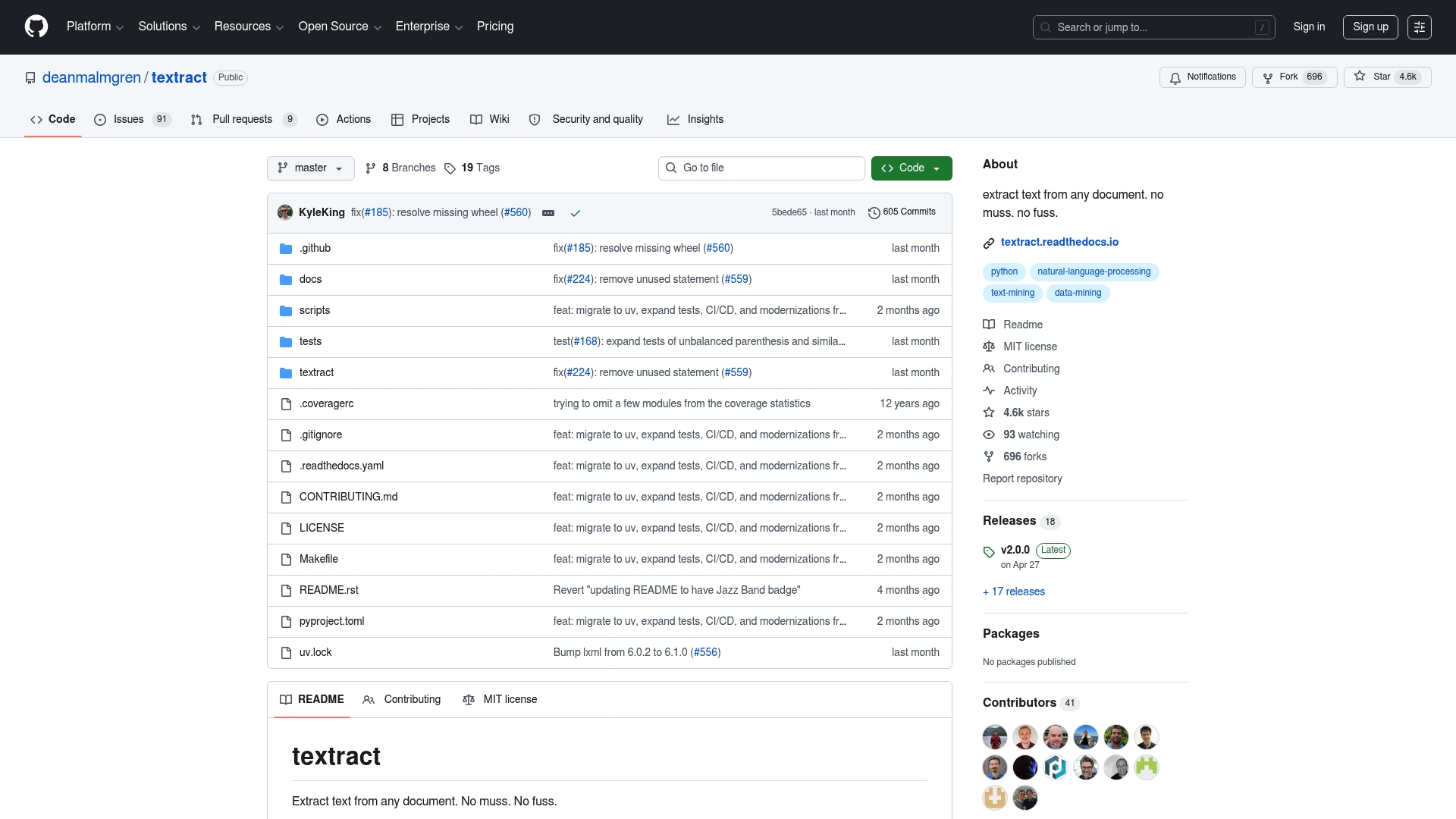
textract reports 4.6k stars on GitHub, indicating notable developer interest. The repository includes a Python library, command-line tools, documentation, and example scripts. That combination makes it easy to embed extraction into code-driven workflows for preprocessing and automation.
Core Features
textract provides open source extraction code that relies on available format adapters to read many document types. It installs as a Python library and also exposes a command-line interface for one-off conversions and scripted batches. The project includes documentation and example scripts to help you get extraction running quickly.
Key Differentiator
The project ties community contributions to practical extraction adapters so you rarely write format glue from scratch. That community focus collects connector code for common file types into one repo. For developers who prefer code over hosted tools, textract keeps control inside your Python environment and your CI pipelines.
Pros
The library is open source and free to use, which lowers barriers for experimentation and rapid prototyping. The repository shows sustained community engagement, and that star count signals real-world interest and contributions. Built-in examples and a CLI reduce setup time when you add extraction to ETL jobs or preprocessing scripts.
Cons
- Limited public details about exact file format coverage. Support appears to depend on external libraries and installed adapters.
- Handling highly formatted layouts and complex tables can require additional parsing and custom code from your side.
- No explicit mention of OCR for image-based PDFs in the visible content. You will likely need to add a dedicated OCR tool for scanned pages.
- Requires Python knowledge to integrate and script extraction in pipelines.
When It May Not Fit
textract may not fit teams that need a turn key, fully managed extractor with commercial support and guaranteed format coverage. If you need built-in OCR for scanned images or a single-vendor support contract, this project does not advertise those capabilities. Large organizations seeking formal SLAs or audited compliance will likely prefer a commercial offering.
Who It's For
Developers, data scientists, and automation engineers who build Python pipelines will get the most value from textract. People who want code-level control over extraction and preprocessing will appreciate example scripts and the CLI. Teams that process documents for NLP, archiving, or research and can tolerate some custom parsing will find this a practical tool.
Real World Use Case
A data science team runs textract in nightly batches to pull text from scanned PDFs and images for sentiment analysis and categorization. The extracted text feeds a preprocessing pipeline that tokenizes and normalizes content before model training. Custom adapter scripts handle edge cases in layout and metadata extraction.
Website: https://github.com/deanmalmgren/textract
Lockbook
At a Glance
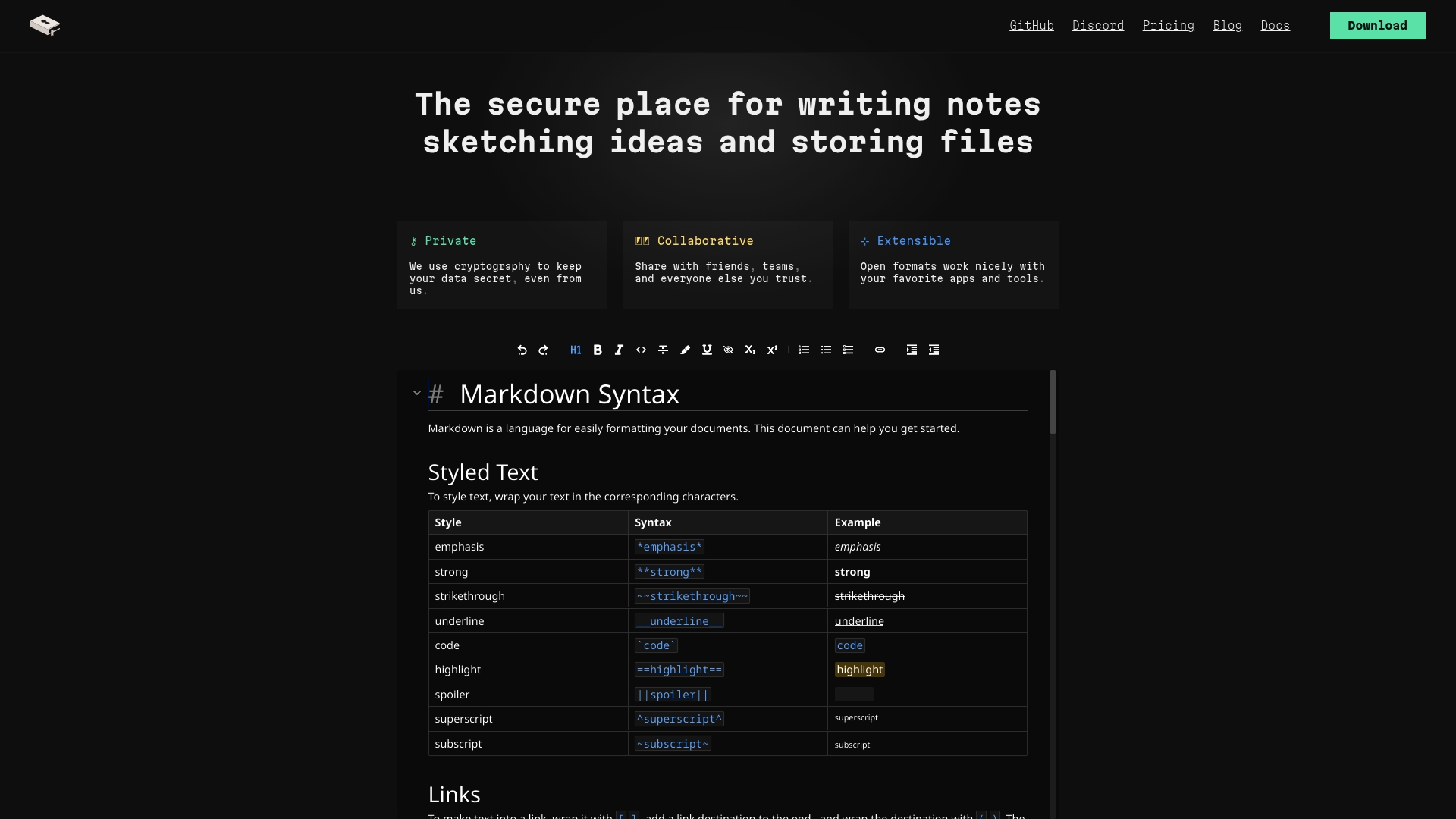
The free plan caps storage at 25MB, which forces careful use of attachments and images. Lockbook centers on encrypted notes and files with native clients for iOS, macOS, Windows, Linux, and Android. The project also publishes open formats and open source clients to avoid vendor lock-in.
Core Features
Lockbook uses end-to-end encryption and client-side cryptography to protect notes and files. It provides native apps across major desktop and mobile platforms plus a command line client for scripted workflows. Editors support Markdown and SVG, and the platform previews PDFs and images offline.
Key Differentiator
Lockbook combines client-side encryption with open source clients and open formats. That approach prioritizes auditability and portability for users who want data ownership and minimal vendor dependence.
Pros
Lockbook focuses on privacy through strong client-side cryptography and open formats, which reduces silent server-side access. Native apps across desktop and mobile mean you can edit and sync from phone, tablet, or desktop without losing cryptographic protections. A usable free tier covers basic note taking, and the team maintains an active roadmap with features like document history and transcription in progress.
Cons
- Free plan limits storage to 25MB, so heavy file users will run out of space quickly.
- Several features are still in development, so collaboration tools feel less mature than some competitors.
- The user interface is functional but basic, and it lacks the polish of commercial note apps.
When It May Not Fit
If you need large cloud storage for attachments, Lockbook's free tier will feel restrictive. Teams requiring advanced, production-ready collaboration features may find the current toolset thin. Users who prefer a highly styled editor and many built-in integrations will likely prefer a commercial note app instead.
Who It's For
Privacy-conscious individuals and small teams that value cryptographic protections and data portability. People who use multiple devices and who can tolerate a straightforward interface will benefit most. Tech-savvy users who want open source clients and local-first encryption will find Lockbook a strong fit.
Real World Use Case
A designer stores sketches and Markdown notes encrypted on their phone and laptop, then syncs edits across devices without exposing content to the server. The CLI client automates backups and the native editors render SVG sketches and PDF previews for quick review. The account avoids vendor lock-in by keeping files in open formats.
Pricing
Lockbook offers a free tier and a premium plan. The premium plan costs $2.99 monthly and raises storage to 30GB and unlocks additional features and higher quotas.
Website: https://lockbook.net
Comparison of alternatives
For individuals or teams needing efficient and styled Markdown document sharing, various tools offer unique capabilities serving different workflows.
Usability and Accessibility
Markbin stands out by allowing instant sharing of formatted Markdown documents via generated URLs without requiring sign-up. This feature particularly benefits users aiming for immediate viewing and accessibility without compromising on style and features.
Meanwhile, Lockbook emphasizes secure note-taking with end-to-end encryption, making it suitable for private document management. However, it lacks the ease of instant public sharing that Markbin provides.
Advanced Capabilities
StackEdit introduces functionalities like LaTeX integration and real-time collaboration. For creators who combine Markdown content with complex diagrams or equations, this tool offers excellent versatility. However, its detailed setup and reliance on browser capabilities require technical familiarity, which might deter casual users.
Best fit
- Quick sharing without requiring recipient registration: Markbin meets needs where time efficiency and styled presentation are critical.
- Advanced technical documentation and diagram creation: StackEdit supports creators integrating text, visuals, and equations interactively.
- Secure notes and centralized encrypted document storage: Lockbook is well-suited for privacy-focused workflows.
Our pick
Markbin proves to be the choice for users needing immediate and stylish Markdown document sharing without hassle. Whereas other tools cater to niche needs like cryptography or technical illustration complexity, Markbin excels in delivering Markdown-to-link workflows for rapid collaboration or client interactions.
Here is a comparative table highlighting the features and considerations of these markdown tools based on user needs.
| Product | Key Feature | Best For | Pricing | Limitation |
|---|---|---|---|---|
| Markbin | Instant URL generation with themes and math | Sharing formatted markdown quickly | Price not published | Lacks collaborative editing features |
| StackEdit | Live preview with diagram capabilities | Technical writers | Price not published | Requires browser, not a standalone application |
| textract | Python-based text extraction and preprocessing | Developers integrating pipelines | Free, open source | Limited file format coverage details disclosed |
| Lockbook | End-to-end encrypted notes and files | Privacy-focused users | Free tier, $2.99 monthly | 25MB storage limit on free tier |
When Finding Reliable Markitdown.app Alternatives Is Challenging
Choosing a markdown sharing tool that balances simplicity, security, and full GitHub Flavored Markdown support often proves difficult. Many developers, educators, and content creators seek a platform that renders markdown beautifully without requiring sign-up or complicated setup. Password protection and self-destructing links for sensitive sharing are also high priorities.
Markbin answers these needs with instant URL creation and nine customizable themes for professional presentation. It supports syntax highlighting, tables, math formulas, and more. Explore how Markbin simplifies sharing polished markdown documents while offering control and privacy at Markbin's homepage. Try secure, hassle-free markdown sharing today and send styled, read-only pages with optional passwords and expiry in moments.
FAQ
How does Markbin support markdown publishing and sharing?
Markbin converts plain markdown into polished pages quickly. It offers full GitHub Flavored Markdown support, allowing syntax highlighting, tables, task lists, and math rendering. You can generate an instant shareable URL for easy distribution.
What is the difference between Markbin and StackEdit?
StackEdit excels with extensive collaboration features, allowing real-time editing and inline comments among team members. Markbin focuses on quick sharing of styled markdown pages, making it ideal for those who need a one-off, read-only document without account setup.
Can I use Markbin for secure sharing of markdown documents?
Yes, Markbin allows optional password protection and self-destructing links for sharing sensitive content securely. This feature ensures that your documents are accessible only to intended recipients for a limited time, making it suitable for temporary sharing.
Which platform is better for offline access, Markbin or Lockbook?
Lockbook provides native applications for multiple platforms that work offline and allow for extensive note-taking and file management. In contrast, Markbin is focused more on quick online sharing and does not offer offline functionality.
Does Markbin have a free plan?
Markbin does not require an account, so you can access its features without any cost. This makes it a low-commitment option for users who want to share styled documents without signing up or being limited by storage constraints.