

Finding markdown publishing software that allows fast sharing, secure options, and multi-user workflows without limitations is often difficult for teams and creators. Many competitors lock critical features like document privacy, instant publishing, or real-time collaboration behind high-priced tiers or lack long-term access models. This comparison matches features, privacy, pricing, and teamwork support so teams and creators can select markdown publishing software that aligns with their workflow and budget.
Table of Contents
Markbin
At a Glance
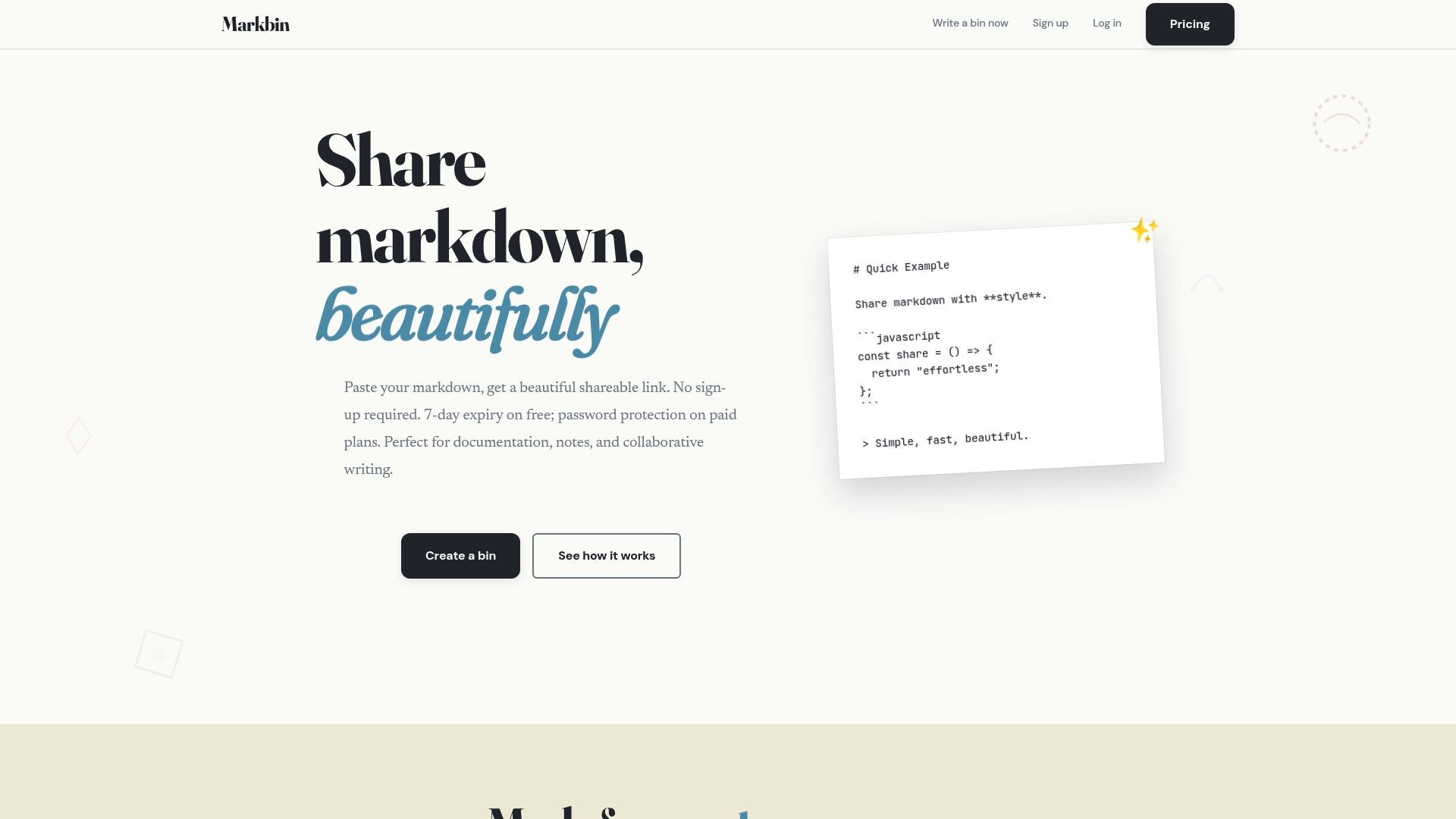
Free documents expire after 7 days unless you upgrade to a paid plan. Markbin generates instant shareable URLs so you can publish markdown without creating an account. The platform supports themed rendering and security options aimed at private or time-limited sharing.
Core Features
Markbin renders full GitHub Flavored Markdown (GFM) with syntax highlighting, tables, task lists, and math formulas in one output. It includes nine themes such as terminal, brutalist, newspaper, and pastel for readable, styled documents. You can import GitHub Gists, create password-protected pages, and set documents to self-destruct after a chosen duration.
Key Differentiator
The standout capability is instant, sign-up free sharing combined with optional document security. Teams can publish a link immediately and then restrict access with self-destructing documents or password protection. That mix of fast public sharing and tight temporary privacy is rare among markdown hosts.
Pros
Markbin offers true instant sharing. You paste markdown and get a themed URL without any registration for basic use. Paid plans add customization and security features, including password protection and attachments, and the lifetime tier includes source code access. Developers benefit from smooth GitHub Gist imports and themed code rendering for reviews and tutorials.
Cons
- Free documents expire after 7 days unless upgraded to a paid plan
Who It's For
Markbin fits developers, educators, and content creators who need quick markdown sharing with readable presentation. It suits people who send time-limited drafts, protected client previews, or classroom handouts. Teams that rely on Gist-based snippets will find the import and rendering workflow helpful.
Unique Value Proposition
The lifetime plan includes source code access for a one-time $99 purchase, which changes the ownership model for power users. Buying lifetime access removes recurring subscription overhead and grants control of the underlying codebase for customization or local hosting. For small teams or independent developers who publish frequently, that one payment can reduce long-term hosting costs and let you adapt the tool to internal workflows.
Real World Use Case
A developer prepares a demo with code blocks and math formulas for a client review. They import the work from a GitHub Gist, apply a terminal theme, and protect the link with a password. The client opens the link, inspects highlighted code, and the developer sets the document to self-destruct after the review.
Pricing
Free tier provides basic sharing with a 7-day expiry for documents. Paid options include monthly at $11.99, yearly at $39.66, and a lifetime one-time purchase at $99 that includes source code access. The lifetime plan is presented as a single purchase alternative to ongoing subscriptions.
Website: https://markbin.net
Haxiom
At a Glance
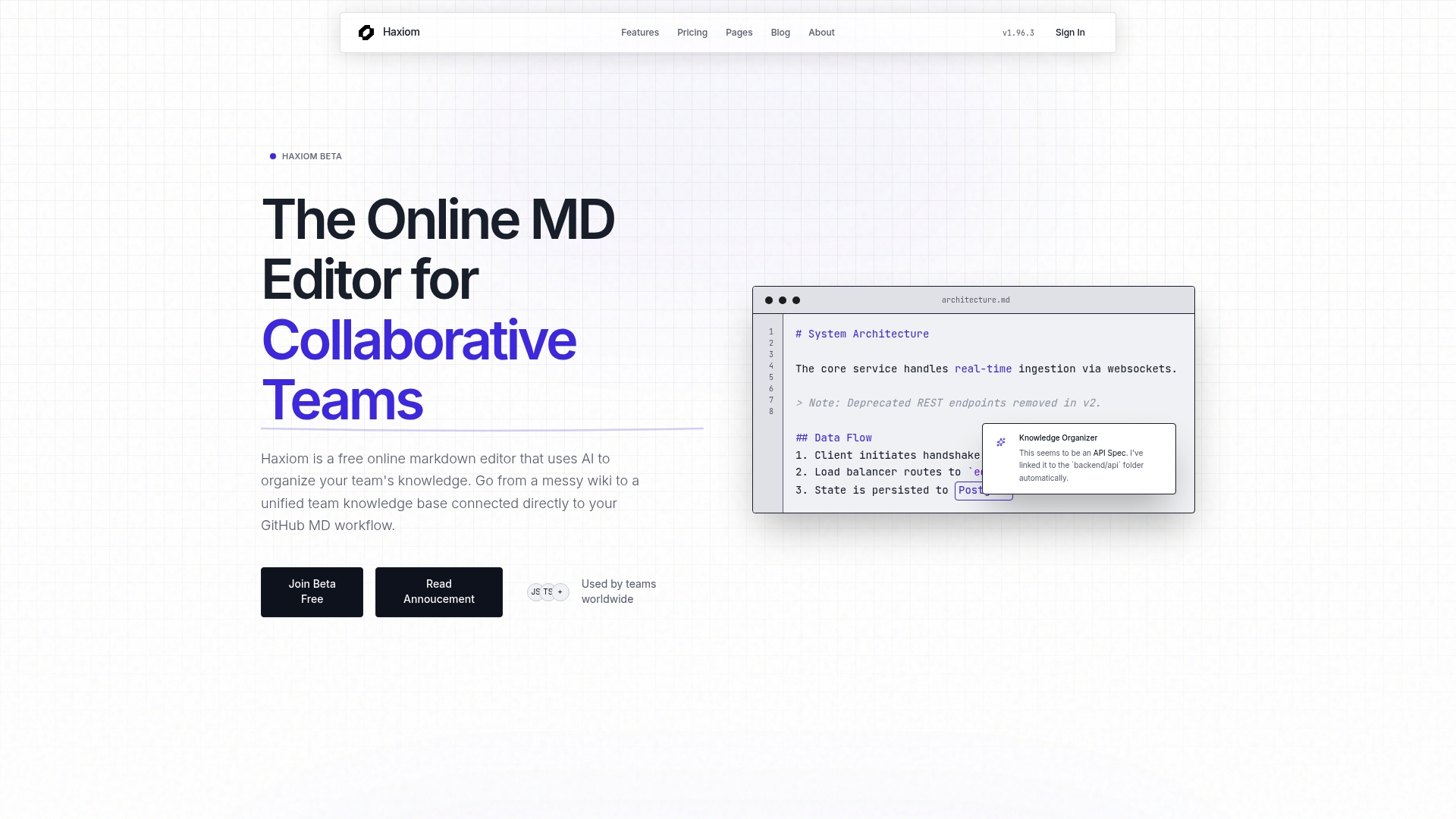
Haxiom pairs AI-driven semantic search with built-in duplicate detection to keep team documentation current and relevant. The editor supports real-time multiplayer editing with cursor tracking and GitHub sync. Teams get AI helpers that propose structure and surface duplicated content before it clutters the knowledge base.
Core Features
Haxiom offers real-time multiplayer editing with cursor tracking, an AI assistant for drafting and structuring content, and semantic search by intent to find documents instead of keywords. The platform synchronizes content with repositories through GitHub sync, and it detects duplicate material to reduce redundancy. It also supports math rendering with Typst and publishing tools that include SEO optimization.
Key Differentiator
Haxiom’s standout element is its combination of semantic analysis and duplicate detection. That pairing helps teams keep documentation concise and current while improving search relevance. For repositories that change rapidly, this reduces stale or repeated pages and keeps onboarding references accurate.
Pros
Real-time collaboration and cursor tracking make pair writing and edits visible, which speeds shared editing and review cycles. The semantic understanding improves search relevance compared with simple keyword search, and the AI assistant helps shape outlines and fill in technical sections. GitHub integration keeps docs aligned with code changes, and duplicate detection reduces maintenance work by flagging overlapping pages.
Cons
- Limited explicit offline capability or local export options are described. That may hinder teams needing full offline archives.
- Enterprise pricing and detailed feature tiers are not specified. Purchasing conversations may require direct vendor contact.
- The feature set centers on markdown and technical documentation. Non-technical marketing or design teams may find the workflow overly specialized.
When It May Not Fit
If your team requires guaranteed offline editing, print-ready exports, or standalone file archives, Haxiom might not meet that need. Organizations that need published enterprise pricing and contract terms up front may prefer vendors with transparent enterprise pages. Teams focused on non-technical media and creative asset management will likely outgrow a markdown-first tool.
Notable Integrations
Haxiom connects directly to GitHub to sync repositories and keep documentation aligned with code. That integration matters for engineering teams that track docs alongside pull requests.
Who It's For
Technical teams and product managers who document APIs, runbooks, and architecture will find Haxiom suited to their workflow. Engineering onboarding and knowledge transfer benefit from the semantic search and duplication checks. Teams that rely on GitHub for development and want docs tied to commits will get the most value.
Real World Use Case
An engineering team uses Haxiom to maintain runbooks and onboarding guides that mirror repository changes. When a repository changes, GitHub sync updates the docs, and the duplicate detector highlights overlapping pages. New hires find accurate, searchable documentation during their first week.
Pricing
Haxiom has a Free tier plus paid plans. Premium is $4 per user/month billed annually, and Pro is $10 per user/month billed annually. Enterprise options exist but require vendor discussion for details.
Website: https://haxiom.io
Flowershow

At a Glance
Premium access starts at $5/month per site, with a free forever tier for basic publishing. Flowershow publishes folder-based, multi-page sites from markdown with no configuration and supports direct pushes from Obsidian, GitHub, or the command line. That combination suits scripted workflows and quick documentation updates.
Core Features
Flowershow deploys sites instantly from local folders, repositories, or a CLI and renders full Markdown including CommonMark, GFM, Mermaid, and LaTeX. It supports folder-based multi-page sites, hosted delivery with custom domains and full-text search, and CSS customization via Tailwind. Content stays as plain markdown files so your site files remain portable and Git-integrable.
Key Differentiator
Flowershow centers on truly configuration-free publication. You place markdown files in a directory or push to a repo and the site builds automatically. This design makes it easy to add automation, scheduled scripts, or AI-driven content generation to a publishing pipeline without maintaining servers or build scripts.
Pros
Flowershow publishes fast from markdown with minimal setup, which cuts time between editing and publishing. The platform keeps content portable by storing plain markdown files, so you avoid lock-in and can migrate via Git. The Obsidian plugin, GitHub integration, and CLI support enable automated workflows for researchers and developer teams. The free plan lowers the barrier to entry, and CSS plus Tailwind customization lets you tune presentation without changing source content.
Cons
- Flowershow's marketing materials state free plan limits of 100MB storage and 50k visits, which could constrain high-traffic projects.
- Pricing detail for advanced features beyond the base premium tier is limited and requires contacting the vendor.
- The product lists no explicit accessibility or internationalization features, which may require custom work by teams.
- No public information on enterprise access controls or formal SLAs.
When It May Not Fit
If your site needs enterprise-grade access controls, single sign-on, or a formal uptime SLA, Flowershow may not meet those requirements. If you expect sustained traffic beyond the free tier limits, you will need a paid plan or a custom arrangement. Large teams that require advanced role management should plan for additional tooling.
Notable Integrations
Flowershow lists direct integration with Obsidian, GitHub, and a command-line interface, plus support for custom CSS and Tailwind. Those connections make it straightforward to publish from a personal vault, a repo-based docs workflow, or an automated script.
Who It's For
Writers, researchers, and developers who publish markdown regularly and want owner-controlled sites will find Flowershow useful. It fits small teams that rely on Obsidian or GitHub for authoring and need rapid updates without build configuration.
Real World Use Case
A researcher publishes a research wiki from an Obsidian vault. Edits in the vault push to Flowershow and the site updates instantly. The team keeps full control of styling, uses a custom domain, and retains all files as portable markdown.
Pricing
Free tier available. Premium starts at $5/month per site. Custom plans for larger or bespoke needs are available by inquiry.
Website: https://flowershow.app
Obsidian
At a Glance
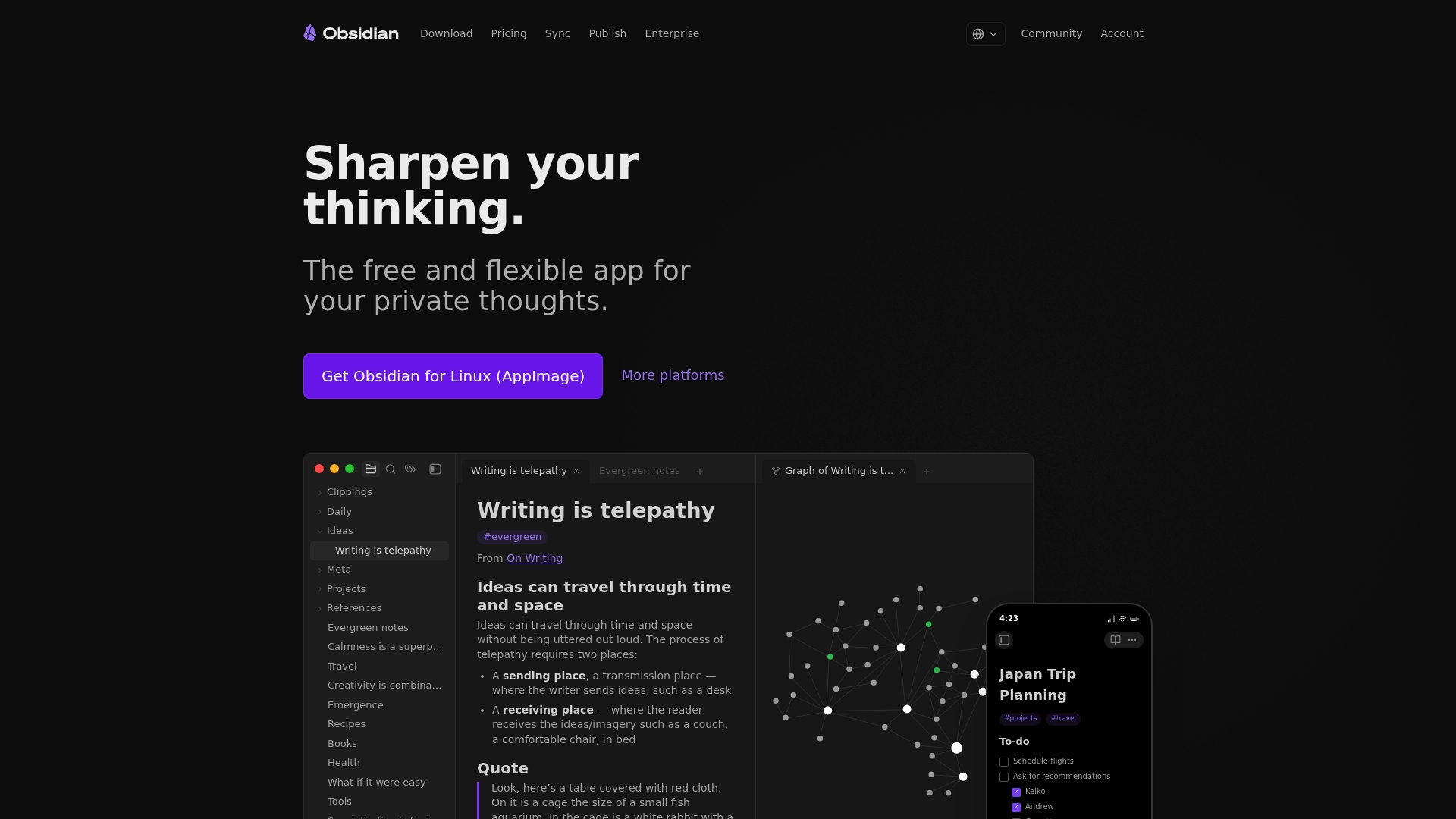
Notes are stored locally as plain text Markdown files. This design gives you direct control over every note and file. The app pairs local storage with a visual graph view and a large plugin catalog for customization.
Core Features
Obsidian keeps notes as plain text Markdown files on your device and supports linking and tagging for organization. The app includes a graph view to visualize connections and an extensive plugin ecosystem for added capabilities. Offline access and optional sync and publish services let you work without a constant internet connection.
Key Differentiator
Obsidian's core distinction is the open file format combined with a deep plugin ecosystem. That mix means your notes remain portable and editable outside the app while you add features through community or commercial plugins. The model favors users who want long-term access and control of their content.
Pros
Local storage preserves ownership of your notes and avoids lock-in, and the open file format keeps files readable by other tools. The plugin ecosystem and theme options let you tailor the editor for research, writing, or task tracking. Optional end-to-end encrypted sync and a publish service add conveniences when you need cloud access or public pages.
Cons
- Limited built-in cloud storage. You must use external services or Obsidian Sync for multi-device workflows.
- Steep learning curve for heavy customization and plugin management, which can slow initial setup.
- Some useful features live behind paid services or paid community plugins, creating a mixed cost picture.
- Performance can slow with very large vaults or when many plugins run simultaneously.
When It May Not Fit
If you want a zero-setup, fully hosted note app with team admin controls, this will feel heavyweight. Teams needing integrated cloud management and centralized user controls may prefer a hosted knowledge base. If you prefer a simpler, out-of-the-box editor, the customization depth here can be overwhelming.
Who It's For
Tech-savvy individuals, researchers, and writers who value privacy and long-term access will get the most from Obsidian. People who enjoy configuring workflows and installing community plugins will find the app rewarding. Those who want to avoid vendor lock-in or maintain plain text archives should consider it.
Real World Use Case
A researcher builds a vault of interlinked notes on philosophy, tags related ideas, and uses the graph view to spot clusters. They draft drafts in Markdown, version files locally, and publish select pages to an online knowledge base. Shared vaults let collaborators contribute without forcing a cloud-only workflow.
Pricing
Obsidian is free to use without limits for personal use. Optional paid services include Sync, priced in a lower and higher tier, and Publish, which has its own monthly pricing tiers. Commercial licenses and paid support plans are available for organizations.
Website: https://obsidian.md
Notion
At a Glance
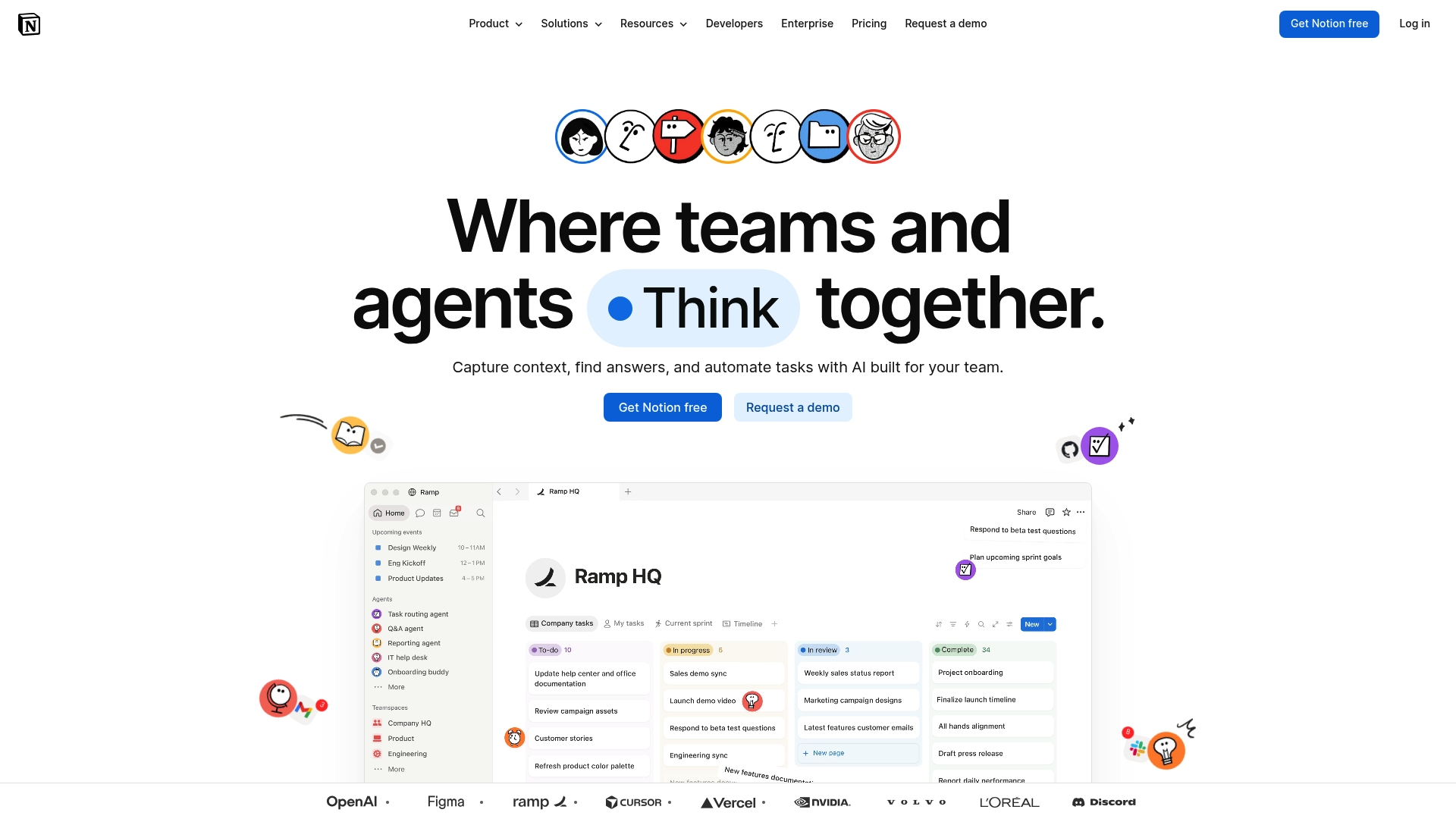
Notion includes built-in AI meeting notes and automation agents that act inside documents and databases. The workspace combines notes, tasks, and relational databases into a single, customizable app. Enterprise-grade security and permissions support formal user management and compliance needs.
Core Features
Notion bundles AI-powered writing and meeting note tools with customizable databases and collaborative documents. It offers advanced permissions, file embeds, task boards, and automation agents that run simple workflows inside the workspace. Search works across pages and databases to surface stored knowledge.
Key Differentiator
The main differentiator is the tight integration of AI and automation inside the same workspace where teams write and plan. That setup lets you generate meeting summaries, index knowledge for enterprise search, and trigger routine actions without adding separate automation apps. Teams that want AI capabilities inside everyday documents will find the model convenient.
Pros
Notion centralizes notes, tasks, databases, and collaboration in one workspace, which reduces the number of separate tools a team must manage. Notion's marketing materials state it is widely adopted by major companies, including Fortune 100. The platform's customization options and AI features cut repetitive editing and speed content creation.
Cons
- Steep learning curve for teams that try complex page templates or database relations.
- Free tier limits certain features to paid plans, so small teams may need to upgrade quickly.
- Performance can slow with very large databases or documents, according to user reports and the vendor's limitations.
When It May Not Fit
If your team needs a minimal editor with almost zero onboarding, Notion may feel too configurable and complex. Organizations on tight budgets that pay per seat will see costs rise as headcount grows. Groups that rely on extremely large datasets may notice slower performance with heavy use.
Notable Integrations
Notion connects to common collaboration and developer tools via built integrations and ecosystem connectors.
- Slack
- Google Drive
- Jira
- GitHub
- Asana
- Microsoft Teams
Who It's For
Teams and organizations that want a unified, customizable workspace with built-in AI features and enterprise permissions will get the most value. Product teams, documentation groups, and knowledge management leads who need flexible data models and internal search will benefit most. Security and admin controls suit larger organizations.
Real World Use Case
A technology startup uses Notion to coordinate product development, run secure knowledge bases, and automate meeting notes. Engineers log decisions and link tasks to databases while product managers generate AI summaries after sprint meetings. That approach reduces tool sprawl and keeps decisions searchable.
Pricing
Notion offers a Free tier and paid plans that scale by user. Pricing listed by the vendor is: Plus at $10/month per user, Business at $20/month per user, and Enterprise with custom pricing for large organizations.
Website: https://notion.so
Comparison of alternatives
When selecting an online markdown publishing platform, immediate access paired with flexible temporary security options often defines user preference. A comparison of these tools highlights their unique strengths and suitable applications across varied scenarios.
Real-time collaboration and technical documentation
Among the options, Haxiom excels in supporting collaborative technical projects. Features such as real-time multiplayer editing, semantic document search, and GitHub integration ensure updates to technical resources. However, the reliance on online functionality may limit its use for organizations prioritizing offline workflows.
Accessible markdown sharing with customized presentations
Markbin.net offers immediacy by enabling users to generate shareable URLs for markdown manuscripts without requiring an account. Combined with features like themed rendering and temporary privacy controls, this tool is well-suited for instant sharing of styled documents while also maintaining discretionary access.
Best fit
- For immediate sharing of markdown documents with optional access controls, Markbin.net offers a balanced solution ideal for time-sensitive communications.
- Teams creating centralized technical resources with integrated updates from version control systems will find Haxiom most effective.
- Writers needing configuration-free publishing of markdown-based multipage sites should consider Flowershow for its automation-ready design.
- Individuals looking for a highly customizable, locally stored personal knowledge base will appreciate the plugin ecosystem in Obsidian.
Our pick
Markbin.net specializes in prompt markdown sharing combined with temporary security controls, offering a unique balance of accessibility and selective access. Its account-free workflow and styled outputs make it ideal for situations where rapid distribution takes priority while preserving document control.
Markdown publishing software alternatives focus on distinct advantages, such as seamless integration, lasting accessibility, and specialized tools for content sharing.
| Product | Key Differentiator | Best For | Pricing | Notable Limitation |
|---|---|---|---|---|
| Markbin | Instant sharing with document security options | Developers and educators | Free, Paid plans $11.99/month, $99 one-time | Free documents expire after 7 days |
| Haxiom | AI-driven semantic search and duplicate detection | Technical teams and product managers | Free, Paid plans $4-$10/user/month | Limited explicit offline capability |
| Flowershow | Configuration-free multi-page site publishing | Writers and researchers | Free, Paid plans $5/month/site | Free plan limits storage and site visits |
| Obsidian | Local plain text storage with deep plugin ecosystem | Tech-savvy individuals | Free, Paid services available | Limited built-in cloud storage |
| Notion | AI-powered workspace with customizable databases | Teams and organizations | Free, Paid plans $10-$20/user/month | Steep learning curve for complex setups |
Challenges in Finding Reliable jotbird.com Alternatives for Efficient Markdown Sharing
Many developers, educators, and content creators struggle with platforms that require registration or lack strong security for quick, private markdown sharing. Jotbird.com alternatives often miss the balance between immediate link creation and protecting sensitive content during limited-time sharing. Markbin solves this by offering instant, sign-up-free markdown publishing with password protection and self-destructing documents. This feature set supports well-formatted technical notes, tutorials, and drafts that disappear after sharing, reducing overhead and risk.
When moving beyond standard markdown hosts, consider Markbin’s easy theme selection and GitHub Gist imports. People who want a secure, straightforward way to create and share markdown will find Markbin fits perfectly. Visit Markbin to generate your first secure markdown link immediately and see how fast protected sharing can be.
FAQ
What unique feature does Markbin offer for markdown publishing?
Markbin allows true instant sharing of markdown documents without any registration. It generates shareable URLs immediately, which makes it ideal for users who need quick access. Consider using Markbin when you want to publish markdown without the hassle of sign-up.
How does Markbin compare to Haxiom in terms of editing capabilities?
Haxiom offers real-time multiplayer editing, making collaboration effortless for teams. In contrast, Markbin focuses primarily on instant sharing of markdown documents without such collaborative features. Choose Markbin for immediate publication or Haxiom if you need extensive team collaboration features.
Which pricing tier is best for frequent users of Markbin?
The lifetime plan at $99 is a great choice for frequent users, as it provides source code access for a one-time fee. This plan helps eliminate ongoing subscription costs and offers control over the codebase. Opt for this tier if you publish regularly and want long-term ownership of the tool.
Can I use Markbin for password-protected pages?
Yes, Markbin supports password protection features for enhanced document security. This means you can share sensitive information safely by restricting access. Utilize this feature when you need to safeguard private documents during sharing.
What is the limitation of Markbin's free tier?
Free documents on Markbin expire after 7 days unless you upgrade to a paid plan. This limitation can affect users who require long-term hosting for their documents. Consider this when deciding if Markbin meets your needs for markdown publishing.