
Document URL shortening is defined as the process of converting a long, complex document link into a compact, shareable URL that instantly redirects users to the original content via an HTTP redirect. If you have ever pasted a 200-character Google Drive or SharePoint link into an email and watched it wrap across three lines, you already understand the problem this technology solves. Services like Bitly and custom domain shorteners have turned that problem into a one-click fix. Beyond aesthetics, shortened document links carry analytics, branding, and management capabilities that most professionals have never fully used.
What is document URL shortening and how does it work?
Document URL shortening works through a three-step redirect chain that completes in under 100 milliseconds, making it effectively invisible to the person clicking the link. That speed matters because any perceptible delay creates friction and reduces trust.
Here is what happens the moment someone clicks a shortened document link:
- Step 1: Request. The user's browser sends a request to the shortening service's server using the unique identifier in the short URL (for example, the "x7k2p" in "bit.ly/x7k2p`).
- Step 2: Lookup. The server queries a database, matches the identifier to the original document URL, and selects the appropriate redirect type.
- Step 3: Redirect. The server returns an HTTP response code, and the browser follows it to the destination document automatically.
The two redirect types you will encounter are 301 and 302. A 301 redirect signals a permanent move and passes SEO authority to the destination, making it the right choice for stable documents. A 302 redirect signals a temporary move, which prevents browsers from caching the destination. This matters when the underlying document location may change. Choosing the wrong type can cause users to land on outdated cached versions of a document, which is a real problem in fast-moving team environments.
Pro Tip: Use a 302 redirect for any document that is actively being revised or may move locations. Switch to a 301 only once the destination URL is confirmed as permanent.

The database behind any shortening service is what makes the whole system flexible. Because the short link points to a database record rather than a hardcoded destination, you can update where the link goes at any time without changing the short URL itself.
What are the key benefits of using document URL shortening?
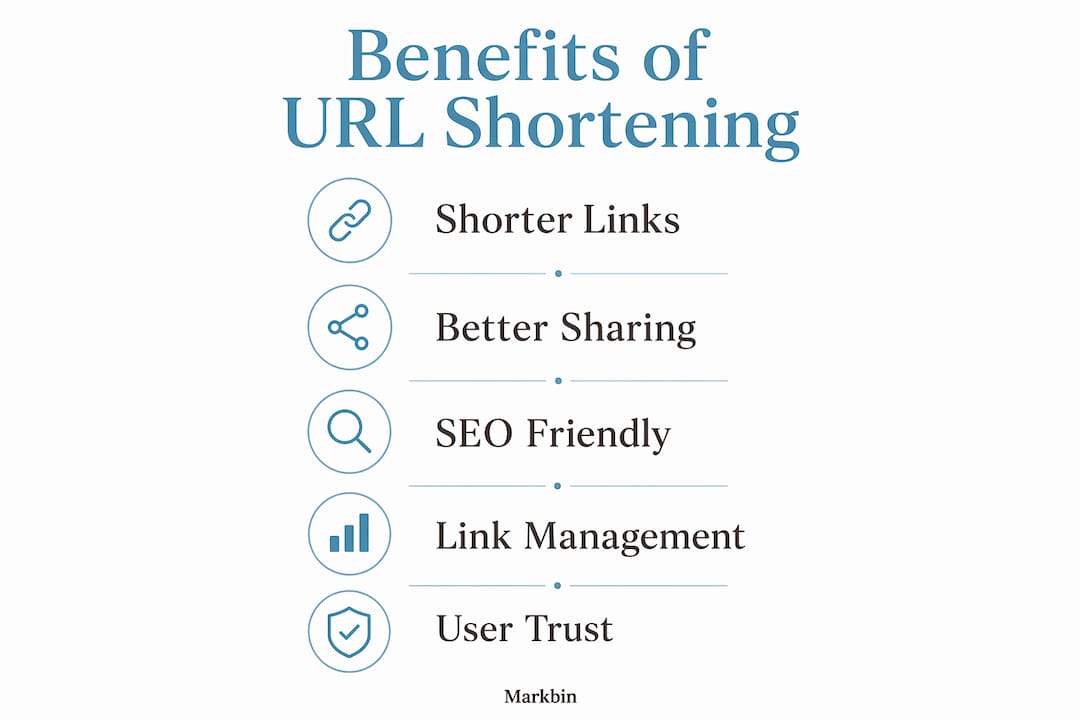
The practical advantages of shortening document links go well beyond making URLs look cleaner. Here are the four areas where the impact is most measurable.
-
Shareability across constrained channels. Long document URLs routinely exceed the 160-character SMS limit, breaking links and frustrating recipients. A shortened link solves this instantly and works equally well in email subject lines, social media posts, and printed QR codes.
-
Branded trust and higher click-through rates. Branded, custom-domain shortened links generate up to 34% higher click-through rates compared to generic short links. Recipients are more likely to click
docs.yourcompany.com/q4reportthanbit.ly/3xKp9zbecause the branded version signals legitimacy and ownership. For professionals sharing proposals, reports, or contracts, this difference is significant. -
Analytics beyond standard web tracking. Shortened links enable tracking of clicks, geographic data, and device type even in environments where standard analytics fail, such as offline QR codes, private messaging apps, or email clients that block tracking pixels. This gives you a real picture of who is engaging with your documents and from where.
-
Internal document management flexibility. When a document moves to a new location, every email, slide deck, or intranet page that referenced the old URL breaks. With a shortened link, you update the destination in one place and every existing reference continues to work.
| Benefit | Practical impact |
|---|---|
| Shorter links for SMS and print | Prevents link truncation in 160-character SMS and physical media |
| Branded custom domains | Increases click-through rates by up to 34% versus generic shorteners |
| Built-in analytics | Tracks clicks, location, and device type across all channels |
| Dynamic destination updates | Fixes broken links without redistributing new URLs |
Pro Tip: If you share documents in printed materials like brochures or event handouts, pair your shortened link with a QR code. The analytics from the short link will tell you exactly how many people scanned it and from which city.
What types of URL shortening tools exist and which should you use?
URL shortening services fall into two broad categories, and the difference between them matters more than most users realize.
Free generic shorteners include services that offer shortening at no cost under a shared domain. They are fast to set up and require no technical configuration. The trade-off is significant: free services can shut down without notice, harvest traffic data from your links, and give you no ownership over the short domain. For casual personal use, this is acceptable. For professional documents, contracts, or anything sensitive, it is a real risk.
Branded and custom domain shorteners let you use your own domain (for example, go.yourcompany.com) as the base for all shortened links. This approach gives you full ownership, link stability and control, and the branding benefits described above. Platforms in this category typically include analytics dashboards, password protection, and the ability to edit destination URLs after sharing.
When choosing a tool, consider these factors:
- Document sensitivity. Password-protected or self-destructing links are non-negotiable for confidential materials.
- Link lifespan. If a link needs to work for two years, a free service with no uptime guarantee is not the right choice.
- Team access. Enterprise tools allow multiple users to manage a shared link library, which prevents the chaos of one person owning all the short links.
- Analytics depth. Decide whether you need basic click counts or full geographic and device breakdowns before committing to a platform.
The shareable links guide from Markbin covers how security features like password protection and expiring links apply specifically to markdown documents, which is worth reading if your team shares technical content regularly.
How does document URL shortening impact SEO and user trust?
URL shortening does not directly improve search engine rankings. Google does not reward a page simply because its inbound links are shorter. What shortening does affect is user behavior, and user behavior is what drives the engagement signals that search engines do measure.
Here is how the indirect SEO relationship works:
- A branded short link looks credible in a social media post or email, so more people click it.
- Higher click-through rates signal relevance to search engines when those clicks come from indexed pages.
- Proper use of 301 redirects passes link authority from the short URL to the destination document, preserving any SEO value the short link accumulates.
- Shortened links in QR codes and offline materials drive traffic that would otherwise be untracked, contributing to overall engagement metrics.
Branded short domains enhance professionalism and long-term stability, which is vital for shared corporate documents and brand-sensitive materials. (linked.codes)
The trust dimension is equally important. A recipient who sees an unfamiliar generic short link before clicking a sensitive document has no way to verify where it leads. A branded short domain removes that uncertainty. For professionals sharing anything from financial reports to legal documents, that perceived legitimacy is not a minor detail. It is often the difference between a link that gets clicked and one that gets ignored or flagged as suspicious.
Understanding SEO basics helps clarify why engagement signals matter more than link structure alone when it comes to search visibility.
How to manage and update document links effectively
Effective document link management is where URL shortening moves from a convenience into a genuine workflow tool. Follow these steps to keep your links working and your data clean.
-
Centralize your link library. Store all shortened links in a shared dashboard or spreadsheet with the destination URL, creation date, owner, and intended lifespan. This prevents duplicate links and makes audits straightforward.
-
Update destinations instead of creating new links. When a document moves, edit the destination URL in your shortening platform rather than creating a new short link. Dynamic destination updating is the single most underused feature in URL management. Every email and slide deck that referenced the old short link continues to work without any redistribution effort.
-
Review analytics monthly. Click data, geographic breakdowns, and device type reports reveal which documents are actually being read and by whom. This is especially useful for offline and non-web environments like QR codes at events or links in printed catalogs, where traditional analytics tools have no visibility.
-
Set expiration dates for sensitive links. If a document is only relevant for a fixed period, configure the short link to expire automatically. This prevents old links from circulating after a document is no longer accurate or authorized for sharing.
-
Standardize naming conventions for your team. Agree on a format for custom slugs (the readable part after the domain) so links are predictable and memorable.
go.company.com/q4-report-2026is far more useful thango.company.com/a8f3k.
Pro Tip: Assign link ownership within your team. When one person leaves and takes their login with them, the entire link library can become inaccessible. Use a shared team account or admin-level access for all professional document links.
The Markbin guide on instant document sharing explores how teams can combine link management with real-time collaboration, which is a natural extension of the practices above.
Key takeaways
Document URL shortening is most valuable when treated as a link management system rather than a simple cosmetic fix for long URLs.
| Point | Details |
|---|---|
| Core function | Shortened links redirect via HTTP in under 100 ms, with no visible delay for users. |
| Redirect type matters | Use 301 for stable documents and 302 for documents likely to move or change. |
| Branded links outperform generic ones | Custom domain shorteners increase click-through rates by up to 34% versus free services. |
| Analytics reach further | Shortened links track engagement in SMS, QR codes, and messaging apps where standard tools cannot. |
| Dynamic updates prevent broken links | Editing the destination URL in one place fixes all distributed references instantly. |
Why I think most professionals are using URL shorteners wrong
I have watched teams spend hours hunting down broken document links after a file migration, then rebuild their entire shared link library from scratch. Every one of those situations was avoidable. The mistake is almost always the same: people treat URL shortening as a one-time cosmetic action rather than an ongoing management practice.
The professionals who get the most out of shortening tools are the ones who treat the short link as the permanent identifier for a document, regardless of where the document actually lives. The destination can change. The short link never has to. That mental shift alone eliminates the broken link problem entirely.
I am also skeptical of the instinct to default to free generic shorteners for professional work. The convenience is real, but the risk is underappreciated. A free service shutting down is not a hypothetical. It has happened repeatedly, and every link that service hosted becomes a dead end overnight. For anything that matters, branded domain shorteners are worth the cost.
The future of document URL shortening is moving toward tighter integration with document creation platforms. The gap between writing a document and sharing a managed, trackable link for it is shrinking. Platforms that combine both functions will make the current multi-tool workflow feel unnecessarily complex in retrospect.
— Zack
How Markbin simplifies document sharing and link management
Markbin is built for exactly the workflow described in this article. You write in markdown, and Markbin converts it into a beautifully rendered, shareable document with a clean link you can send immediately. No sign-up required for basic sharing, and the platform supports password protection and self-destructing documents for sensitive content. For teams sharing technical documentation, tutorials, or collaborative notes, Markbin combines the document creation and link management steps into one place. Visit Markbin to create your first shareable markdown document and see how much simpler professional document sharing can be. The link-versus-attachment comparison is also worth a read if your team still defaults to email attachments.
FAQ
What is document URL shortening in simple terms?
Document URL shortening converts a long document link into a short, clean URL that redirects users to the original file instantly. The short link points to a database record, so the destination can be updated without changing the link itself.
Does shortening a document URL hurt SEO?
Shortened URLs do not directly improve or damage search rankings. A 301 redirect passes link authority to the destination, preserving SEO value, while a 302 redirect is better for temporary or frequently updated documents.
Are free URL shorteners safe for professional documents?
Free URL shorteners carry real risks for professional use, including potential service shutdowns, loss of link ownership, and data harvesting. Branded custom domain shorteners offer ownership, security controls, and long-term stability.
How do I shorten document URLs for team use?
Use a URL shortening platform that supports shared team access, custom domains, and editable destination URLs. Centralize all links in a shared dashboard and assign ownership to prevent access issues when team members change.
Can shortened links track who opens my documents?
Yes. Shortened links track click counts, geographic location, and device type, including in environments like QR codes and private messaging apps where standard web analytics have no visibility.